Track Card Collection Digitally: Fields & Backups
July 9, 2026 · 5 min read · By BGLAD
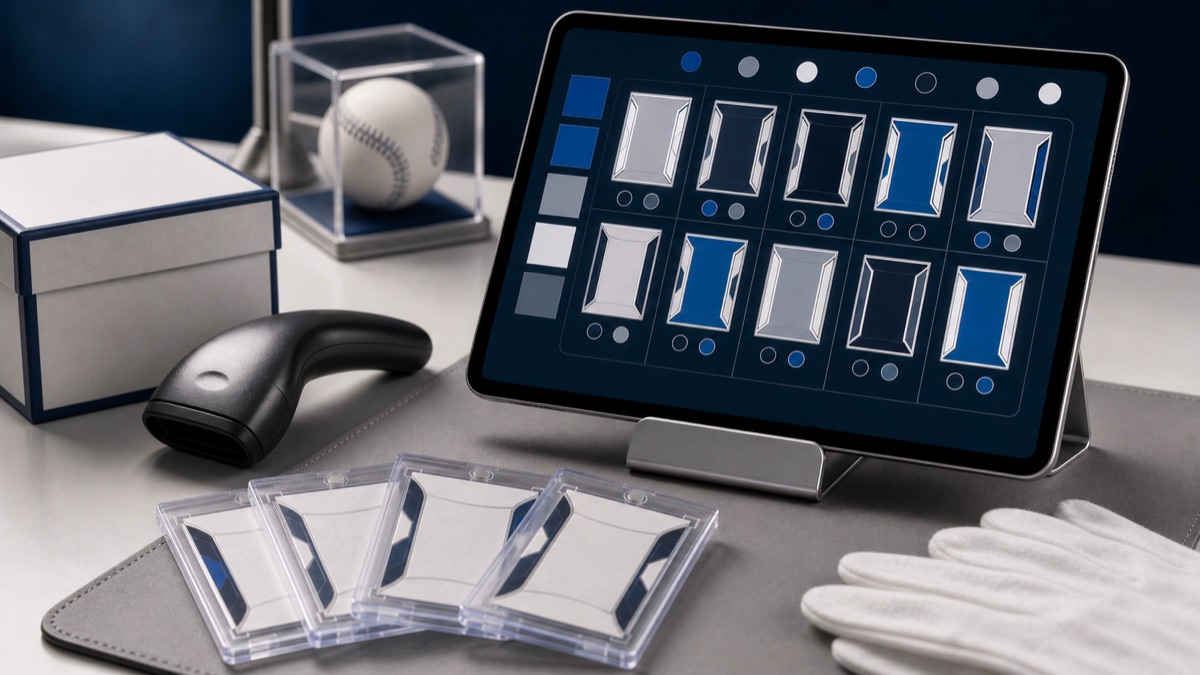
To track card collection digitally, choose a spreadsheet or app, record the fields that identify each item, attach photos or file references, and back up the data outside your phone. A good tracker helps with buying decisions, insurance, selling, estate planning, and simply knowing what you own.
The perfect system is the one you will maintain. We would rather see a simple spreadsheet updated every week than a beautiful app abandoned after one long weekend.
Spreadsheet vs app for a digital card collection
Spreadsheets are flexible, exportable, and easy to customize. They work well when you want full control over fields, formulas, sorting, and notes. The downside is that you must build the structure and stay disciplined about data entry.
Collection apps can be faster for scanning, lookup, images, and value estimates. They can also lock you into a format, miss oddball items, or make bulk editing harder. Before committing, check whether you can export your data in a usable file. If you cannot leave with your records, the app is not your only record.
Some collectors use both: an app for quick lookup and a spreadsheet as the permanent ledger. That can work if one source is clearly the master. If two systems disagree, decide which record wins before the collection gets large.
For collectors starting from messy boxes, our sorting and cataloging guide helps with the physical order before the digital system gets too detailed.
Fields that matter in a card collection tracker
A useful tracker identifies the item, explains why it matters, and records what happened to it. You do not need every possible field for every card. You need enough structure that future you can find, value, insure, sell, or hand off the collection without guessing.
Separate permanent facts from changing facts. The year, set, card number, player, team, and serial number usually stay fixed. Location, estimated value, holder, asking price, and sale status can change. Keeping those ideas separate makes updates cleaner.
For memorabilia, adapt the same idea instead of forcing every item into a card format. Athlete, team, item type, authentication, dimensions, inscription, display location, and photo file names may matter more than set and card number.
- Identity: sport, player, team, year, set, card number, parallel, variation, serial number, and autograph or relic notes.
- Condition: raw condition notes, grade, grading company, certification number, holder condition, and known flaws.
- Ownership: purchase date, source, cost basis, trade details, receipt location, and whether the item was a gift.
- Location: box, binder, case, safe, display, vault, consignment, grading order, or sold archive.
- Value snapshot: date checked, rough value range, source type, confidence level, and notes about unusual comps.
Valuation snapshots without chasing every comp
A digital tracker should not turn collecting into a full-time price chase. For most collections, periodic valuation snapshots are enough. Update key items, fast-moving cards, insurance pieces, and cards you are considering selling. Let low-value bulk stay simple.
The best value field is dated. A number without a date can mislead you later, especially in a category that moves with player news, set attention, grading results, and season timing. Include a note about whether the value came from sold listings, asking prices, auction results, a shop quote, or your own estimate.
When reviewing the market, our sports card price tracking guide explains how to think about comps. You can also watch our auctions as one real-world reference point, while remembering that one result never defines the whole market.
Photos, documents, and backups for collection records
Digital tracking gets much stronger when photos and documents connect to the row. Add file names or links for front photos, back photos, label close-ups, receipts, certificates, appraisal documents, and insurance records. The tracker should tell you where the evidence lives.
Backups matter because the tracker is now part of the collection. Keep a copy in cloud storage, export a spreadsheet periodically, and store important photos outside the app that created them. If your phone breaks, your app closes, or a password gets lost, your collection records should survive.
Our guide to photographing your collection covers the image side, and collection insurance explains why claim records need more than a rough total value.
- Use stable file names: match photo names to item IDs, cert numbers, or spreadsheet rows.
- Export regularly: keep dated copies so a bad edit or deleted app does not wipe the only record.
- Store proof separately: receipts, certificates, and appraisals should not live only in a text note.
- Archive sold items: sold records help with taxes, future pricing memory, and avoiding duplicate listings.
Common questions about digital collection tracking
Do you need to track every base card? Usually no. Track bulk by box, set, team, or quantity unless individual identity matters. Spend detailed time where the record changes decisions.
How often should values be updated? Update important pieces when you insure, sell, trade, consign, or notice a major market change. For stable personal collection items, a scheduled review a few times a year may be enough.
What is the biggest mistake in digital tracking? Building a system that is too complicated to maintain. Start with essential fields, then add detail only when it solves a real problem.
Ready to hunt?
Sports cards and collectibles — documented and carefully presented.